Show customers what their sign will look like before it's built
Upload a site photo and your customer's own artwork, mark where the sign goes, and generate a customer-ready visualization in minutes. No Photoshop, no waiting on the art department.
Free credits to start · No subscription · Credits never expire
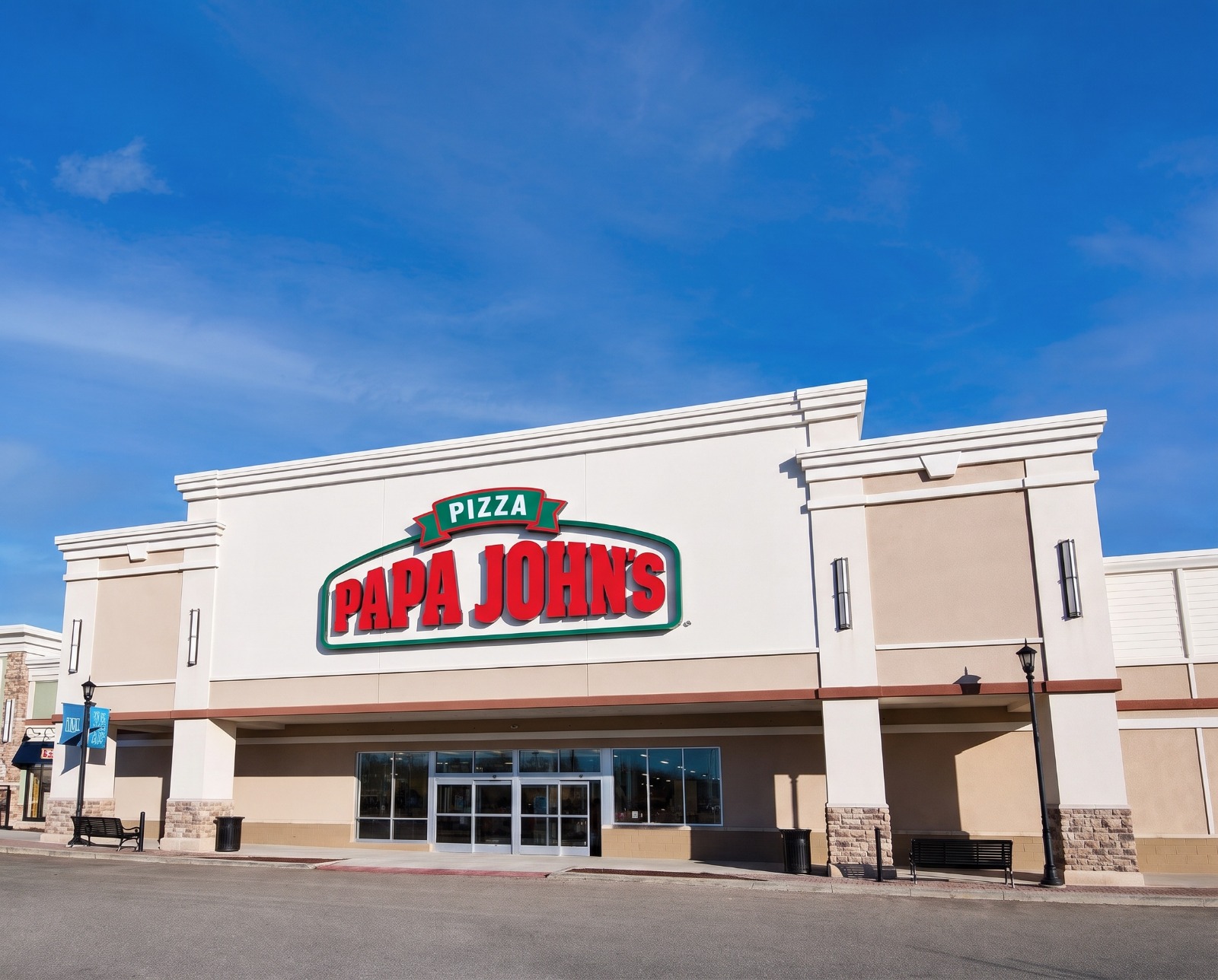
Drag the slider. Same camera, same building. Only the sign is new.
~30 sec
to render a visualization
12
sign types supported
Day + night
views of every concept
$0.99
per visualization on Pro
Indecision stalls signage jobs. Showing the result moves them.
A sign is a permanent, expensive, highly visible decision, so customers hesitate. Hand them a realistic visualization on their own building and "let me think about it" turns into "let's do it."
Get approval sooner
Remove the guesswork while the customer is still engaged. A visualization turns a proposal into an approved job instead of an open thread.
Upsell illuminated
Show unlit next to halo-lit, then show it at night. When the customer sees the difference after dark, the upgrade sells itself.
No designer, no queue
Skip the hour in Photoshop and the back-and-forth with production. Anyone on your sales team can produce one in minutes.
From site photo to approved concept in 3 steps
No special equipment. A phone photo and the customer's logo file is everything you need.
Upload the site & artwork
Add a photo of the customer's building and their actual logo or sign artwork.
Mark it & spec it
Tap the four corners where the sign goes, then choose the sign type, illumination, size and finish.
Show & send
Drag the before/after slider, render the night version, then download it for the proposal.
One photo, one logo, every concept
The sign in the header came from these two files. So did all of these: different sign types, different illumination, day and night, no new photography.
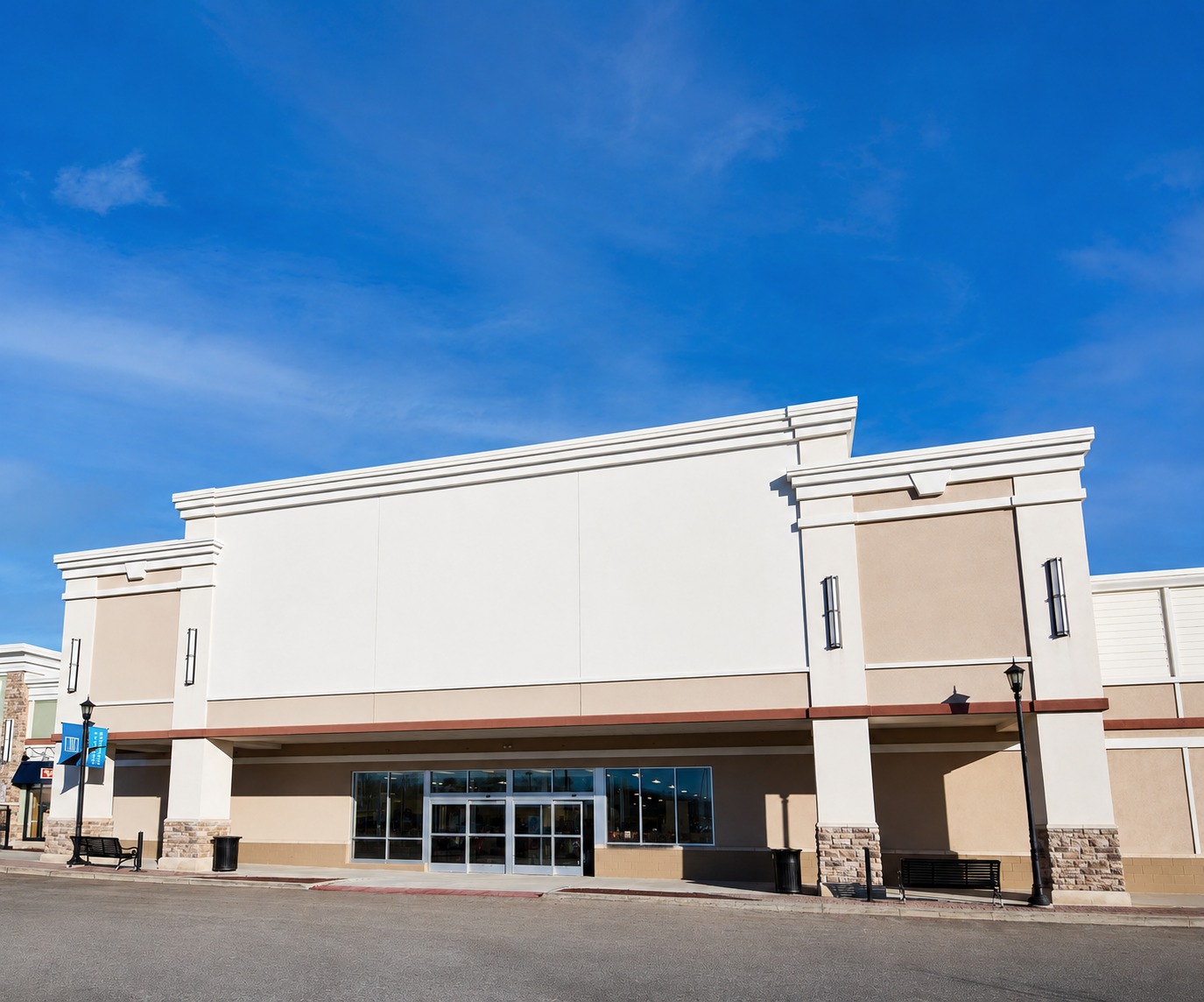
Three more concepts from the same two files
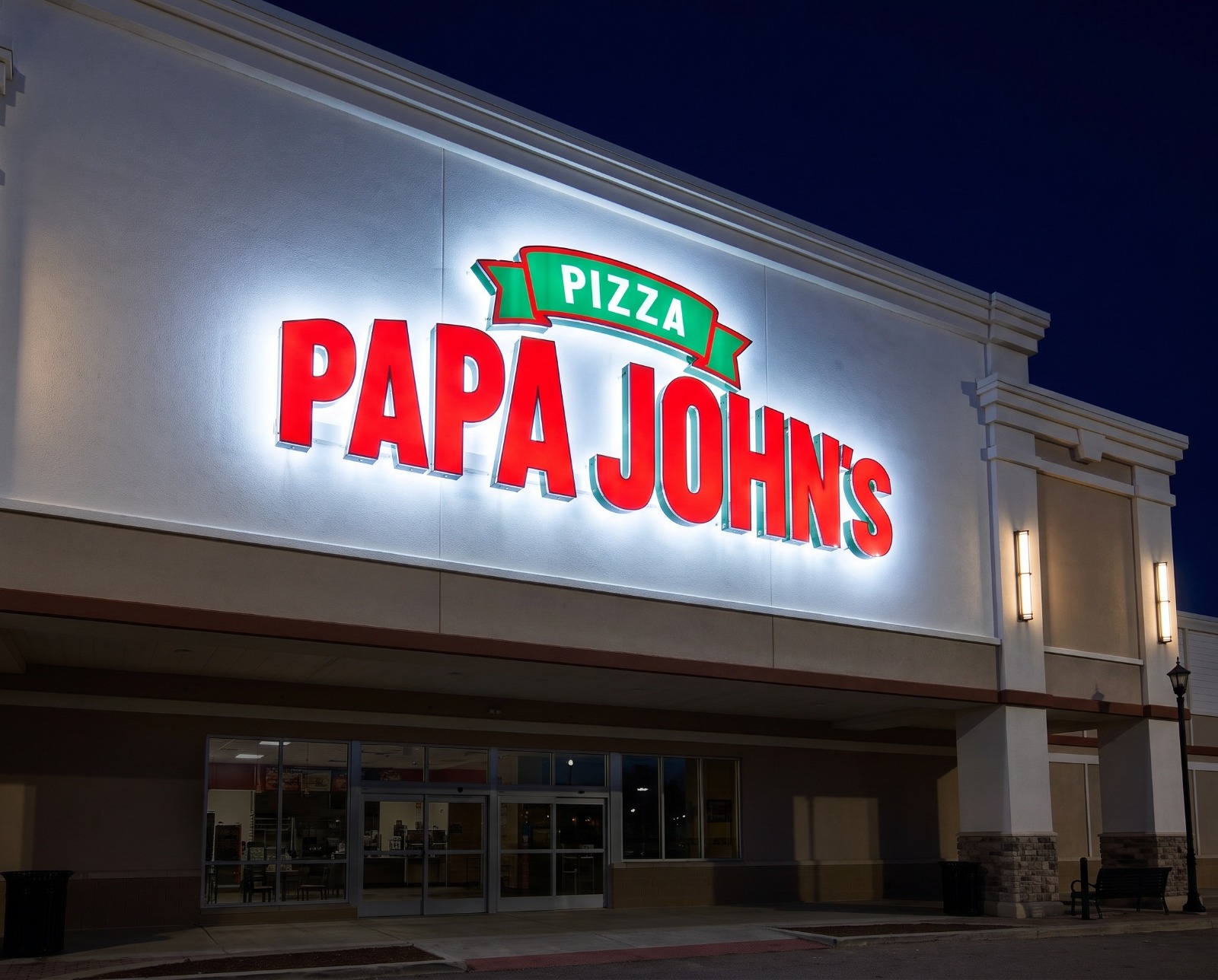
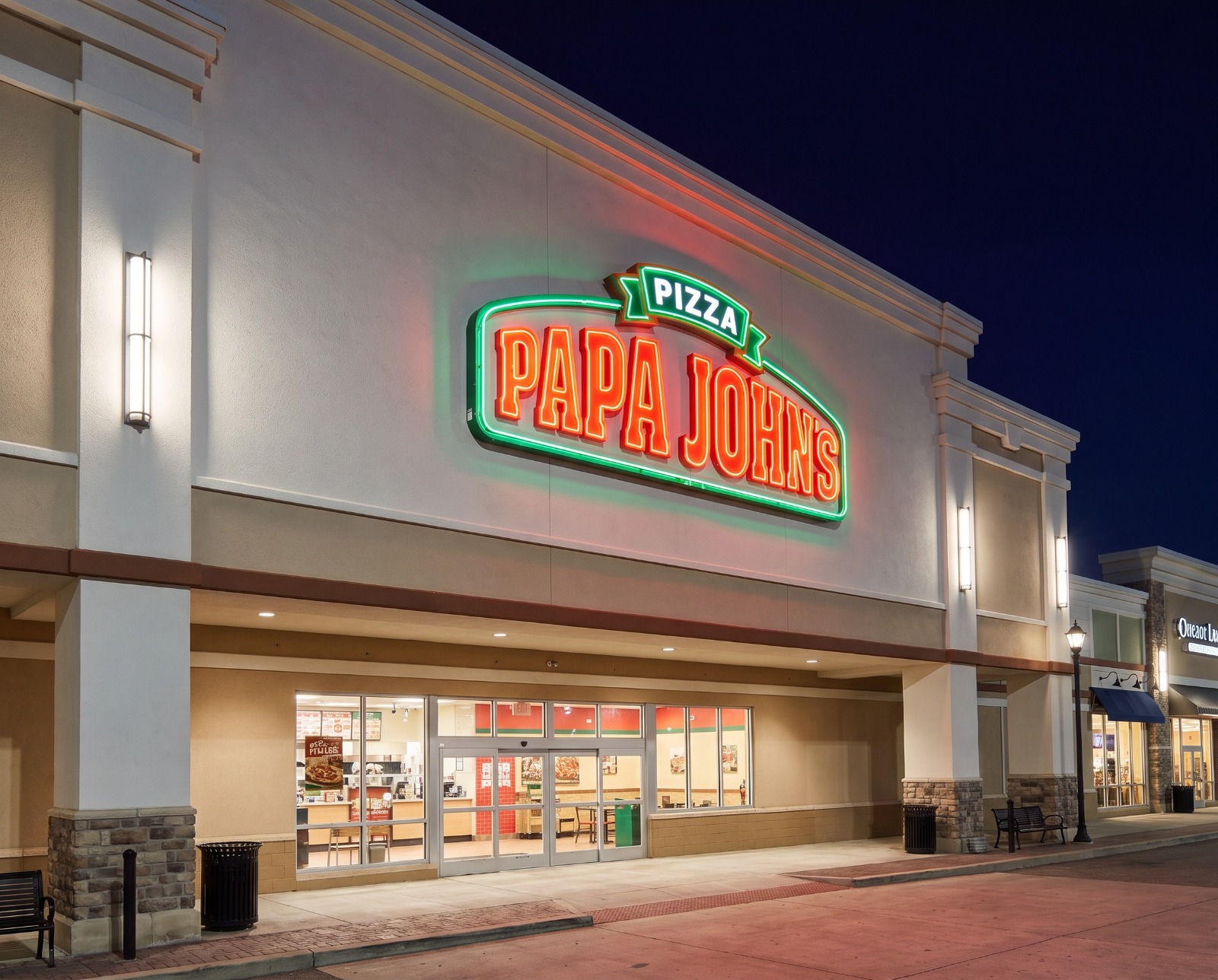
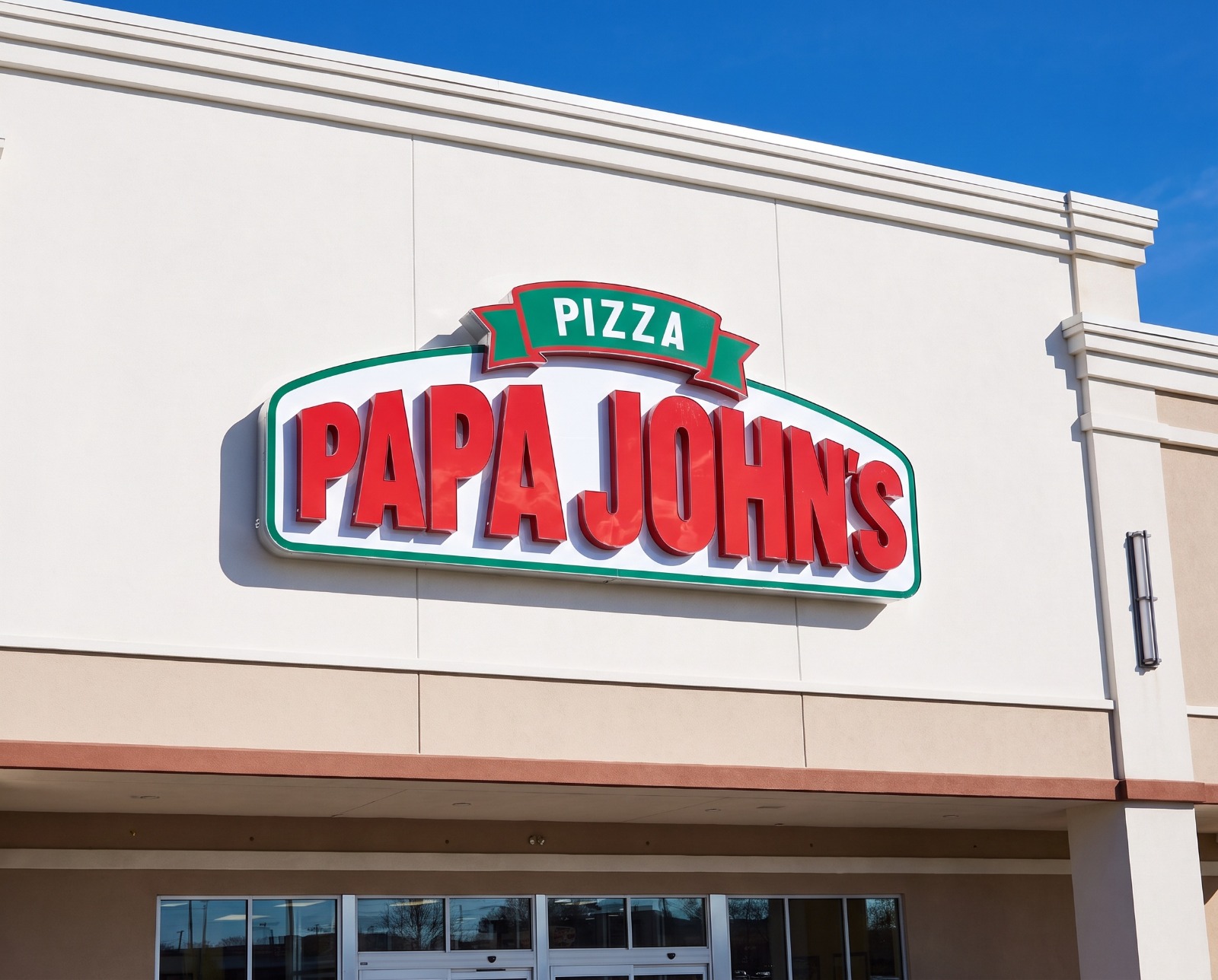
AI visualizations produced for demonstration. Brand marks belong to their respective owners and are shown to illustrate artwork fidelity, not to imply any affiliation or endorsement.
Their sign, their building, not a generic mockup
SignageVisualizer isn't a filter that invents a sign concept. You supply the real artwork, you decide exactly where it sits, and you spec how it's built.
Mark the exact mounting area
Tap the four corners of the sign area on the photo. The shape of that quad tells the AI the surface's perspective, so the sign sits flat on the facade at the right scale, not pasted on top of it.
Use the customer's real artwork
Upload their logo or sign artwork as PNG, JPG, WEBP or SVG, and the AI renders that specific branding as the sign type you choose, rather than inventing wording of its own.
Spec how it's built
Twelve sign types, five illumination styles, real-world width, and finish from brushed aluminum to black powder coat. Anything unusual goes in plain-language instructions.
The night render is what sells the upgrade
Front-lit, halo-lit, internally illuminated, exposed neon. Each one throws light differently. Render the same concept after dark and the customer can finally see what they're paying the extra for, with the glow falling correctly on the wall around it.
One click turns any daytime visualization into its nighttime counterpart, with the same placement and spec.
Front-lit
Faces glow evenly, no spill behind the letters.
Halo-lit
Opaque faces with a soft halo thrown on the wall.
Internally lit
The whole translucent panel glows from within.
Exposed neon
Bright visible tubing with a colored bloom behind.
Every concept for a job, in one place
Signage jobs aren't one-shot renders. You shoot the building from a few angles, try two or three concepts, and show the good one lit at night. All of that belongs together.
Multiple site photos
Front view, corner view, across-the-street view. Keep them all on the project and mark placement separately on each one.
Every concept, kept
Alternate sign types, alternate placements, day and night pairs, all collected under the job, ready to compare or re-send.
Nothing to save
There's no Save button because there's nothing to forget. Project details, uploads and visualizations save themselves as you work.
Visualize every sign you fabricate
Whatever the customer is considering, render it onto their building and let the picture do the selling.
Channel Letters
Individually fabricated dimensional letters with lit acrylic faces. Show the customer their name on their building, front-lit or halo-lit, day and night.
Lightbox & Cabinet Signs
Flat translucent faces in an aluminum frame. Preview how the panel reads against the facade before you quote the cabinet.
Monument & Pylon
Ground-level monuments and elevated pylon signs. Place them at the street, at real scale against the building behind them.
Blade & Projecting
Perpendicular blade signs on decorative brackets. Show how the sign reads to foot traffic coming down the sidewalk.
Neon & LED
Exposed tube signs with visible glow and bloom on the surface behind. Night renders are where these sell themselves.
Window & Awning Graphics
Vinyl applied to glass and printed awning signage that follows the awning's real curve and slope.
Made for every signage job
From a single storefront to a multi-tenant property, from a first-time café to a full franchise rebrand.
Retail storefronts
The bread-and-butter job: channel letters or a cabinet above the entrance, approved on the first call.
Restaurants & cafés
Owners care how it looks lit at night. Show them the night render alongside the daytime one.
Offices & multi-tenant
Monument and pylon signage at real scale, so property managers and boards can sign off with confidence.
Franchise & rebrands
Show the new branding on the existing building before a single panel is fabricated.
Permits & landlord approval
Cities and property managers want to see the sign on the building. Produce that exhibit in minutes instead of an afternoon.
Signage visualization software that helps you sell
For most business owners, a sign is a permanent, expensive, and extremely visible decision, so it's no surprise they hesitate. They can't quite picture how channel letters or a halo-lit cabinet will actually look on their building, at their scale, from the street. That uncertainty is what stalls the job.
SignageVisualizer is an AI signage visualization tool built specifically for sign companies. Instead of relying on portfolio photos of someone else's storefront, you photograph the customer's actual location, upload their actual logo or sign artwork, and generate a realistic rendering of the proposed sign installed in that scene. The AI preserves the building, the windows, the surroundings and the lighting, then places the sign with believable perspective, mounting hardware and shadows.
You stay in control of the result. Mark the mounting area by tapping its four corners directly on the photo. The geometry of that quad is what tells the AI how the facade recedes, so the sign is foreshortened correctly rather than pasted flat onto the image. Choose the sign type, the illumination style, the real-world width and the finish, and anything unusual goes into a plain-language instructions field instead of another dropdown.
Because you can re-render the same placement as a different sign type or flip it to a night view in one click, SignageVisualizer doubles as an upsell tool. Show a customer a non-illuminated option, then the same sign halo-lit at dusk. Seeing the difference after dark is what convinces people to pay for it.
Work is organized into projects, one per signage job, holding the site photos, the artwork, and every visualization you generate, alternates and day/night pairs included. Everything saves automatically. It runs in any browser, so your estimators can build visualizations on a phone or tablet during the site survey, then download the result to attach to a proposal.
One honest caveat worth passing to your customers: these are concept and sales visualizations, not fabrication-ready proofs. AI can alter fine detail in text and logos, so always check artwork accuracy yourself and keep your production art and shop drawings as the source of truth for what actually gets built.
Frequently Asked Questions
What is signage visualization software?
Does it use my customer's actual logo?
Can I control exactly where the sign goes?
Can I show it lit up at night?
Which sign types are supported?
How is the work organized?
Can I use a visualization for permit and landlord approval?
Are these fabrication-ready proofs?
Do I need special software or a designer?
Can I download and send the visualization to the customer?
Turn "I'll think about it" into an approved job.
Get Started for FreeFree credits to start · No subscription · Credits never expire